Presence & reservations
A branded site that carries the reviews, with reservation, waitlist, and private-event intake in one place.

Who it's for
We start with the public presence and guest-facing layer — a branded site, reservation and private-event intake, review visibility, and follow-up — then connect the ordering, payment, and POS tools you already run rather than ripping them out. Kitchen hardware, POS replacement, and food-safety compliance stay out of scope unless explicitly scoped.
Signals
AI in this sector
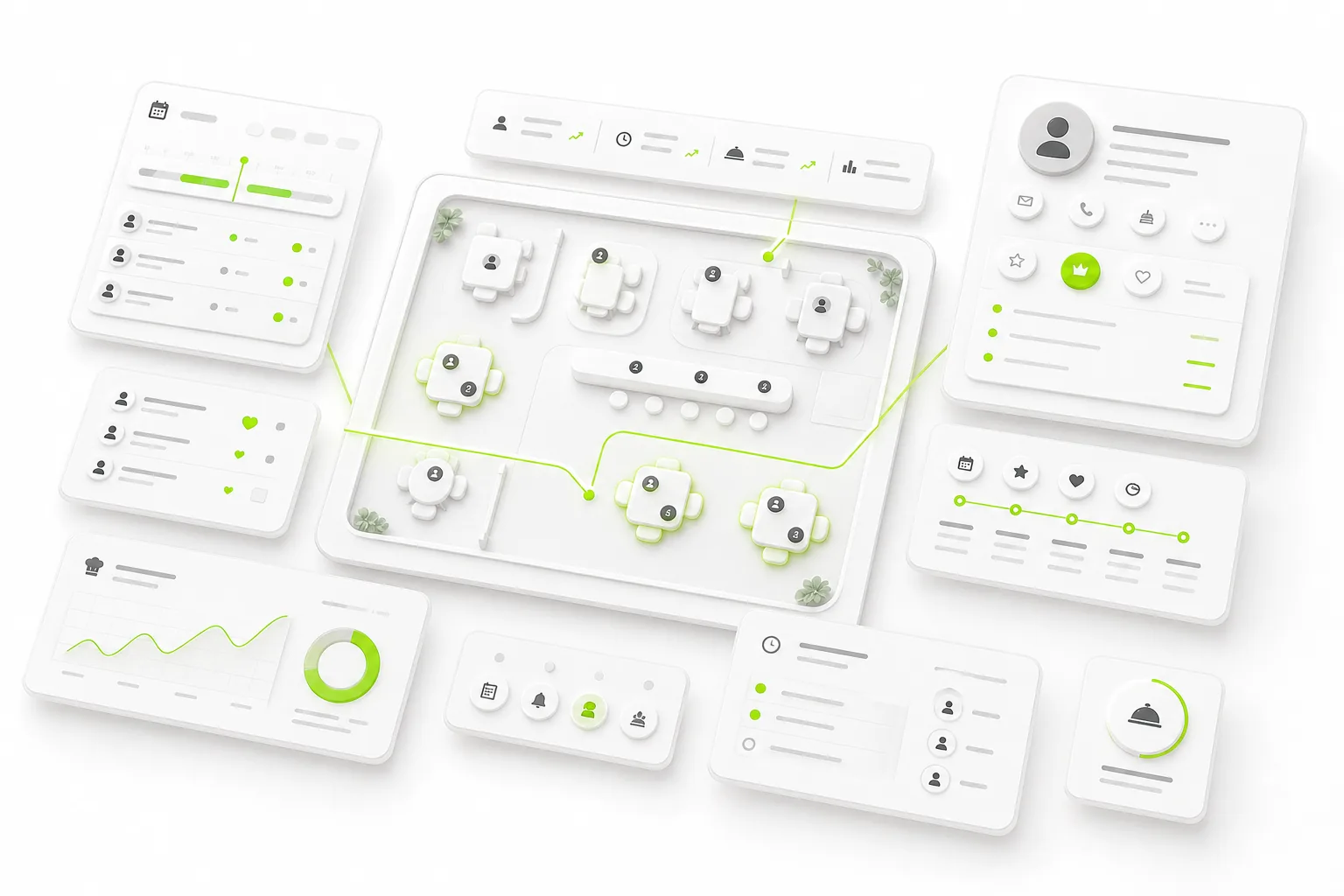
Graph layer: Guest → visit → event → referral patterns surface which guests drive repeat covers and private-event bookings, and which channels bring the highest-value regulars — visibility a flat reservations list cannot give.
Go deeper: Automation fabric · OpenClaw co-pilot
How the work varies
A branded site that carries the reviews, with reservation, waitlist, and private-event intake in one place.
Review requests, repeat-visit nudges, and private-event follow-up tied to the guest record.
Owner view of covers, event leads, repeat guests, and follow-up gaps without asking staff.
First build
Start with the public presence and reservation/event intake, then connect the ordering, payment, and POS tools you already run before expanding.
Guardrail
Connect existing POS, online-ordering, and payment tools rather than replacing them; kitchen hardware, POS replacement, and food-safety compliance stay out of scope unless scoped.
FAQ
Start with the public presence and reservation/event intake, then connect the ordering, payment, and POS tools you already run before expanding.
Connect existing POS, online-ordering, and payment tools rather than replacing them; kitchen hardware, POS replacement, and food-safety compliance stay out of scope unless scoped.
Owner view of covers, event leads, repeat guests, and follow-up gaps without asking staff.
Ownership means portable data, exportable configuration, clear exit rights, and client-specific workflow IP. For managed cloud clients that is the model; literal infrastructure ownership is the self-host deployment case. Either way the operating layer is branded to your business, not rented from a vendor.
Next step
The consultation starts with your current public presence, intake, CRM, follow-up, software stack, and owner visibility. From there, the Business OS Diagnostic shows what to keep, replace, or connect first.